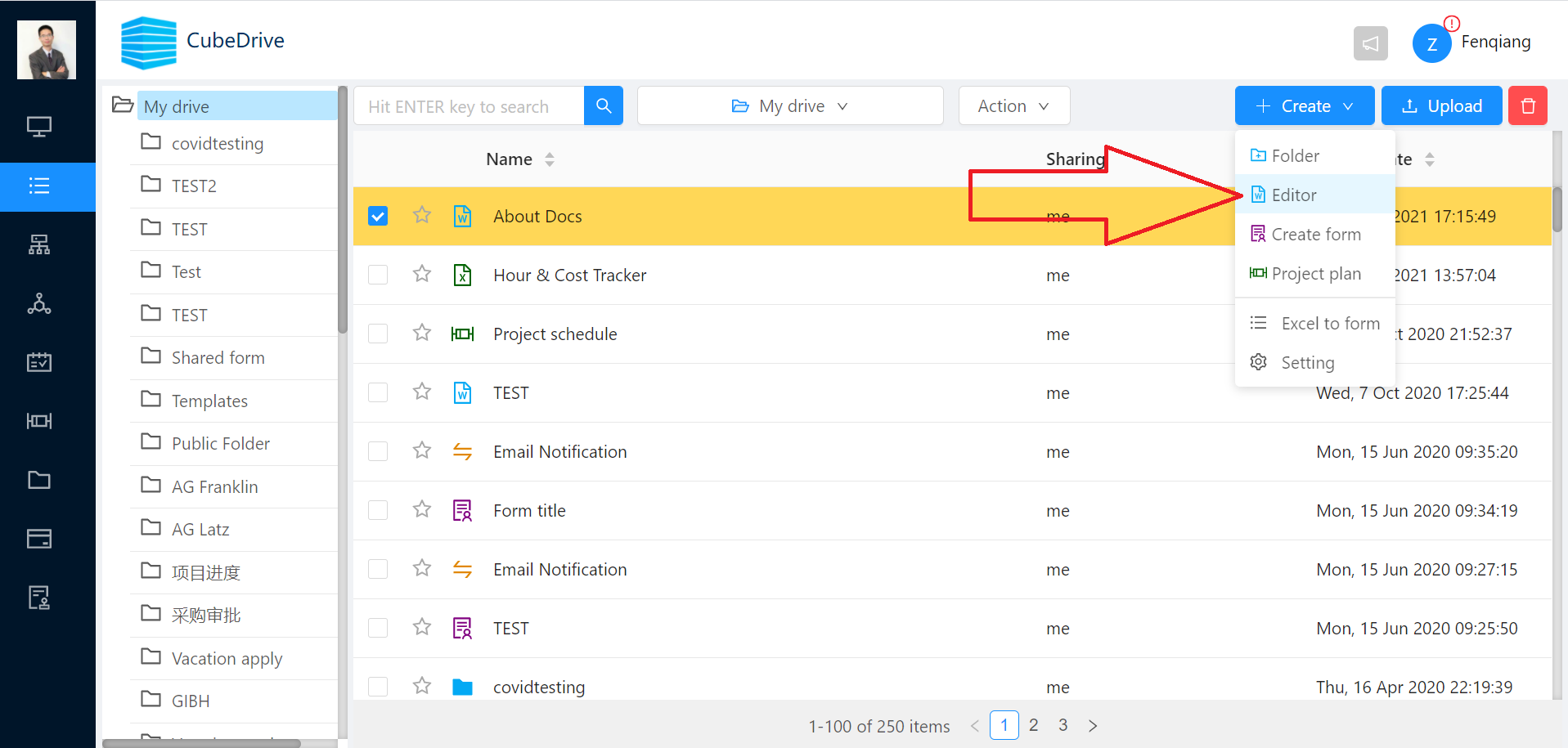
In file management, users can click [+Create] and choose Docs to create an online editor document. After creating the file, double-click it to open it.
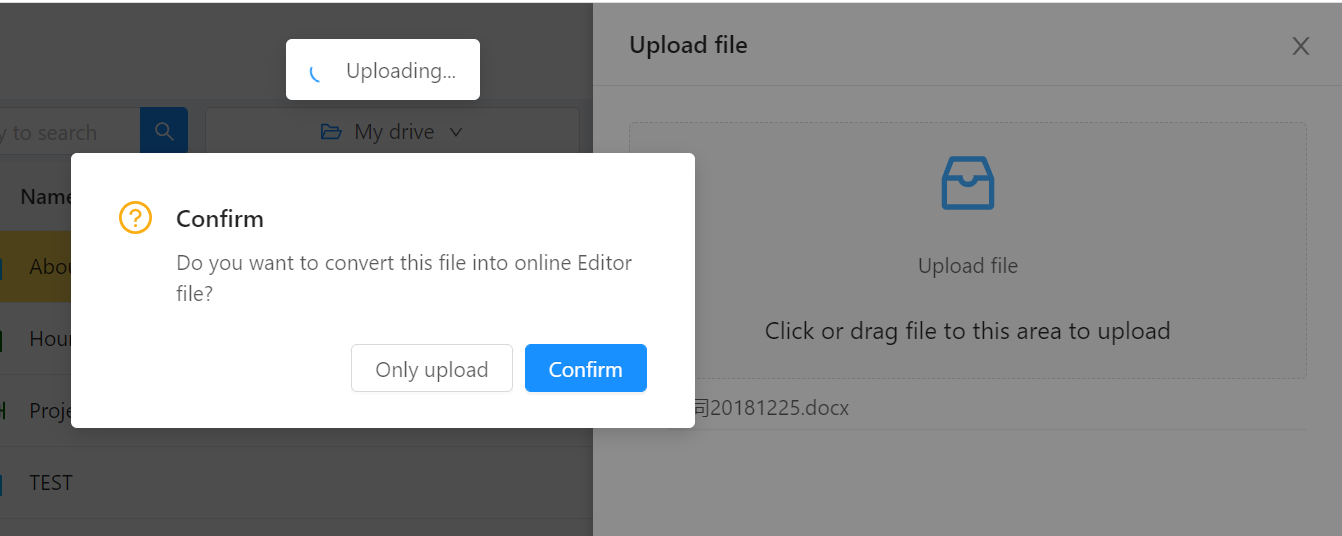
Users can also click the Upload button to import a DOCX file and automatically convert it into an online editor document.
After opening the online editor, use the Share button in the file menu to share the file with others.