Form Setting -> Field Settings
Field Settings
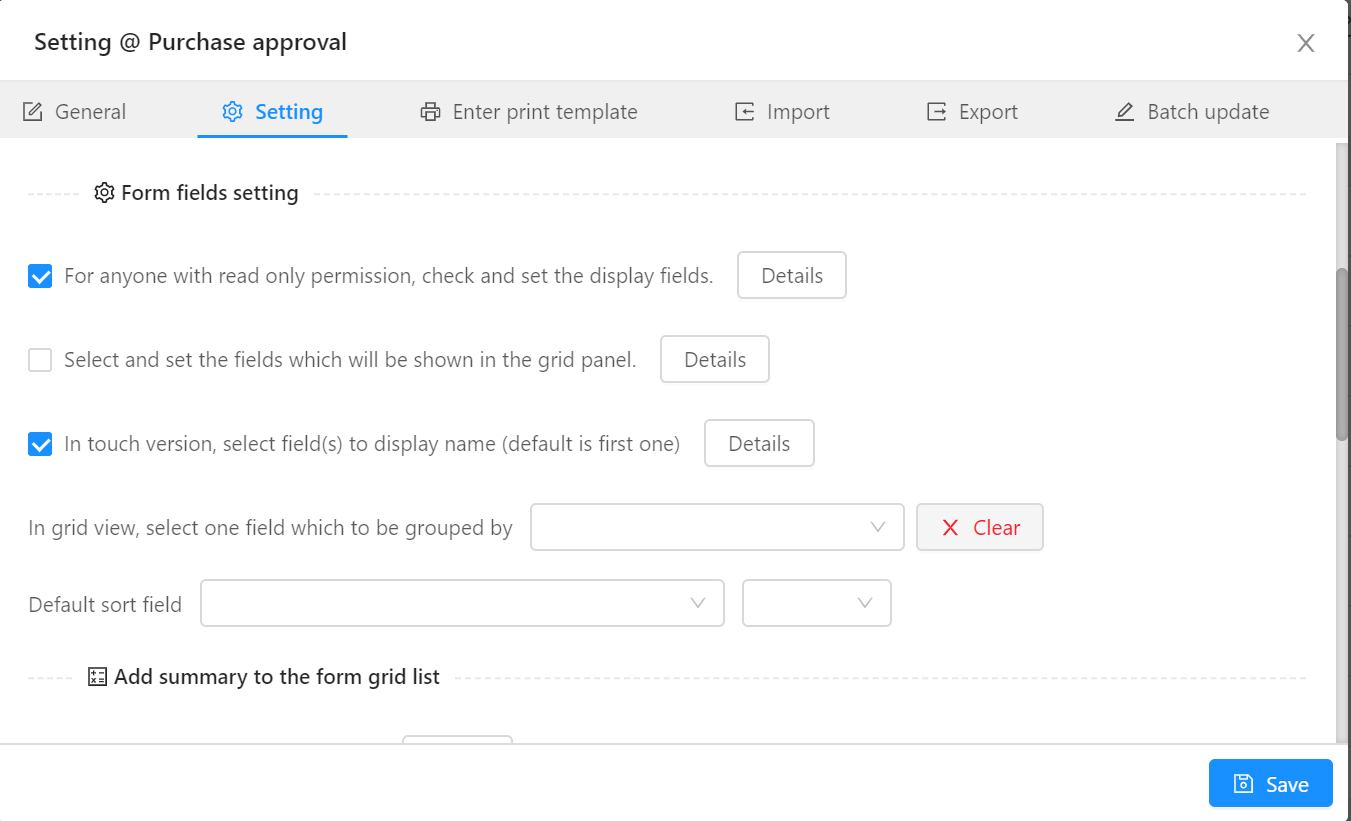
In form settings, authors can define the different types of field settings as needed.
- For anyone with read only permission, check and set the display fields
- Select and set the fields which will be shown in the grid panel
- In the mobile version, select field(s) to display name (default is first one)
- In grid view, select one field which to be grouped by some field
- Default sort field
- Setup default field width
- Setup row height
- Set the background color of updated date "Default today, the number represents a few days before today"
- Highlight when edit data
- Add summary to the form grid list
- Total numbers per page
- Prompt text after data submission:
The setting for the touch show fields, this will be also applied to calendar view.
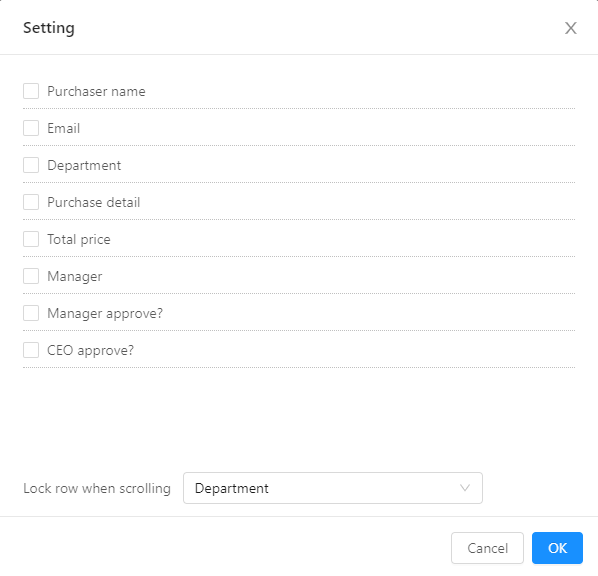
Show display fields
Author can select the displayed fields as needed.
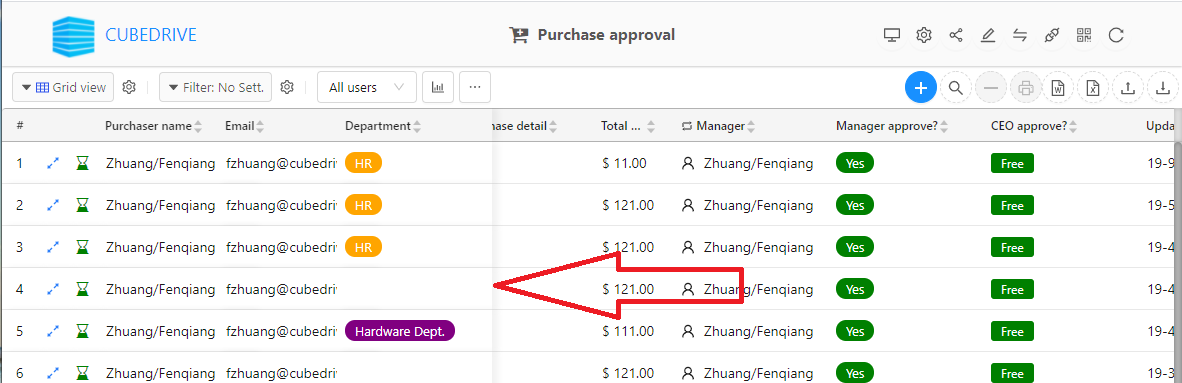
Lock/frozen function for the selected field.
Field index/unique
Form authors can also set search index or unique value for the selected field (must be a required field).
Index can improve the performance of search, and unique guarantees the field value not duplicated.
« Permission
Form view »