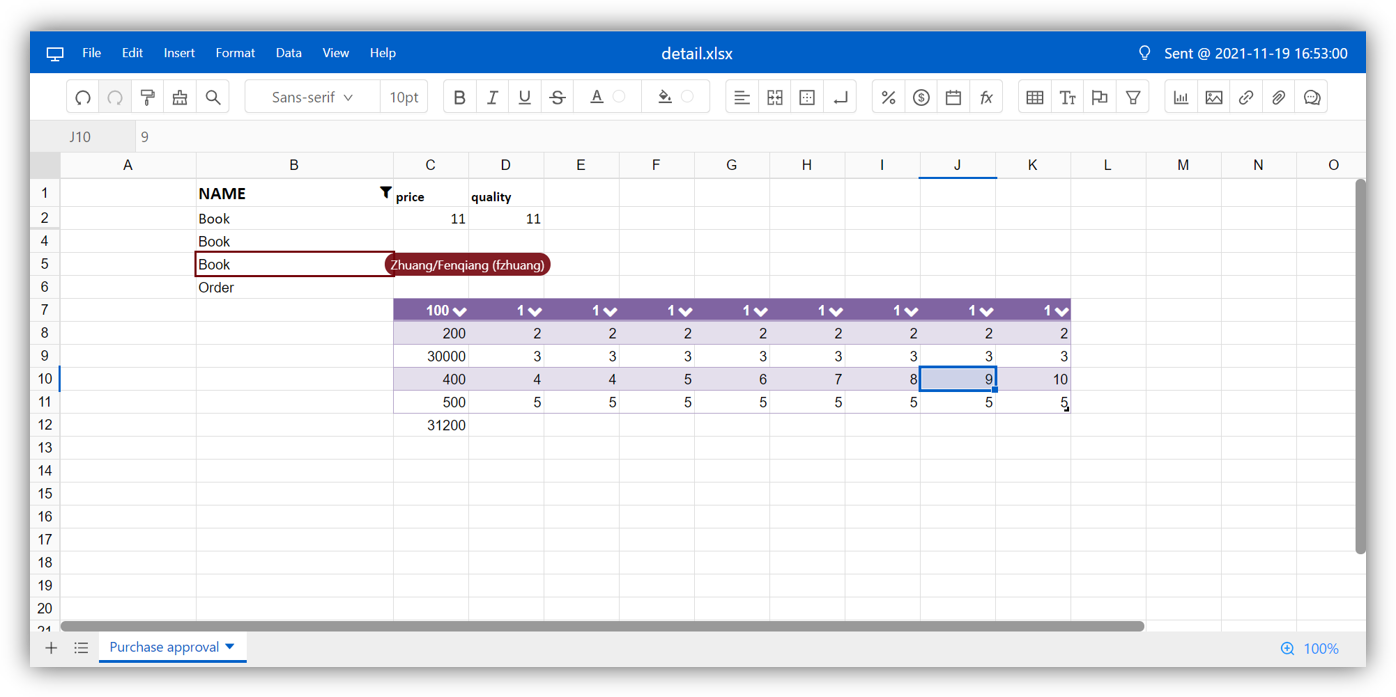
A sheet can be shared with different users, and multiple users can sync edit the file at the same time.
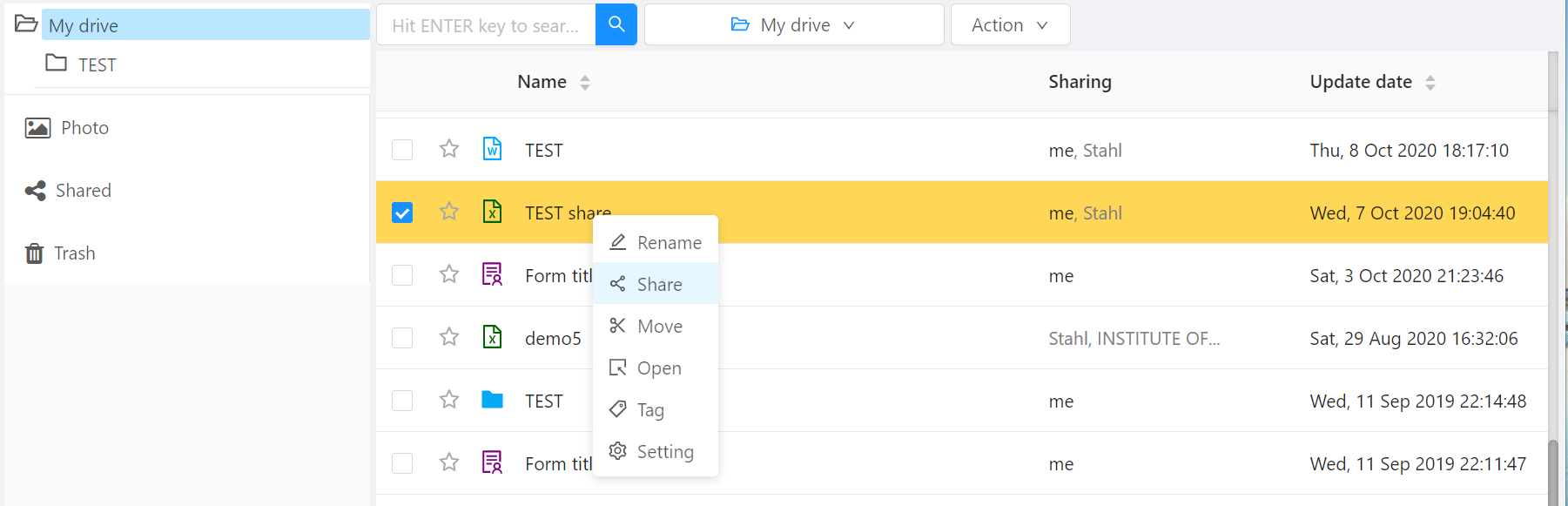
Before you can process sync edit, the sheet need to be shared among the users or organizations. From file manager, select the sheet file and right-click the share menu, the sheet is ready for share. Sheet can be shared among organization and user.
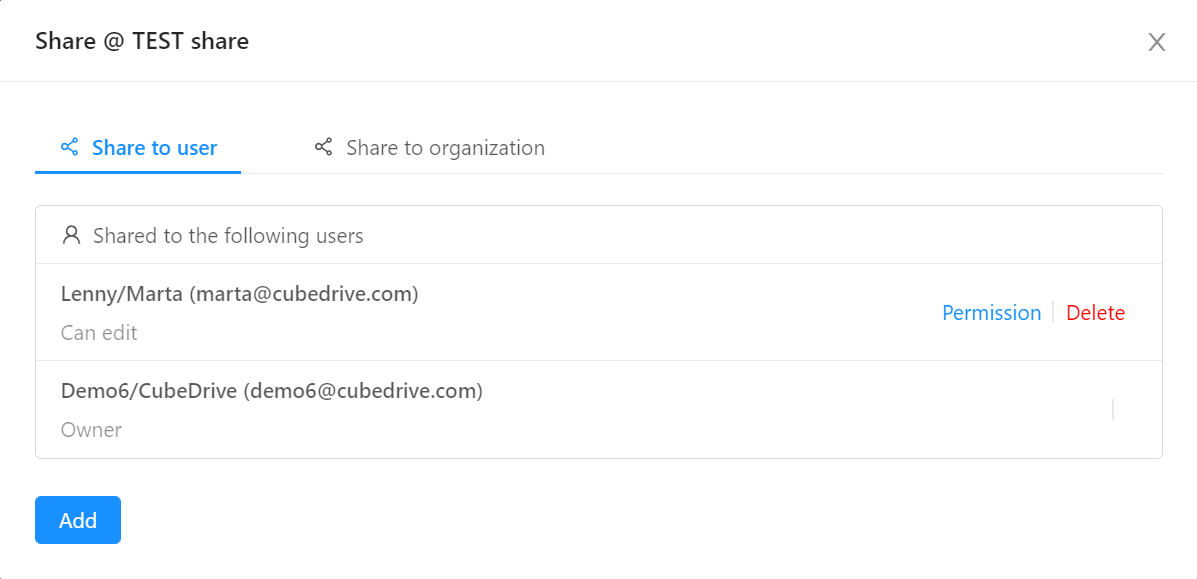
The view and edit permission can be selected during share the sheet file.
Multiple users can open the sheet and sync edit the file at the same time. Users can see other people entering data in the sheet in real time. Different users can sync edit the file at the same time.