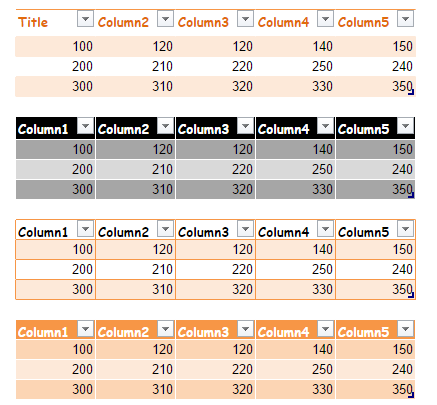
Format data as table in the spreadsheet makes it easier for user to decorate the data with different colorful table view. EnterpriseSheet provides a list of predefined table styles (or quick styles) that you can use to quickly format a table.
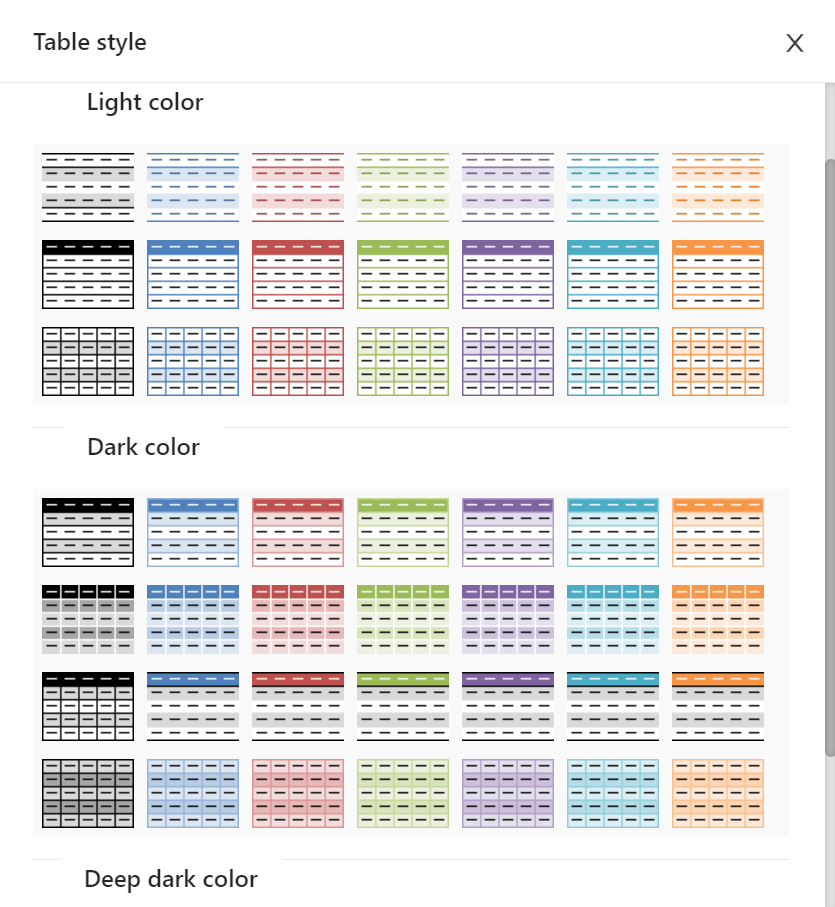
From the title bar, you can select menu Edit -> Table style... button to process. You can also click table icon from sidebar to implement it.
CubeDrive have 3 categories of table template color:
Select a range of cells and click one of table template to apply your data format. You can also clear it by clicking Clear Table Template button.